


Compare before you commit.
See Vault Max vs Vaultaire for the $20 individual Lifetime difference, or compare Vault Max with Keepsafe on price and cloud features. Ready for a move? Switch vaults in checked batches.
What the inspector checks
Read the metadata this browser tool can detect in a JPEG, PNG or TIFF. Check location coordinates, camera and software fields, image dimensions and recorded times. Try a clearly labeled fictional sample before choosing your own file. To make a new JPEG or PNG without the original metadata, select Remove metadata in the results.
The inspector reads file bytes locally in a bounded browser worker. It distinguishes detected fields, missing fields, unsupported formats and failed reads. It does not turn a limited result into a green light to share.
How to check and remove photo metadataCheck the copy you plan to send
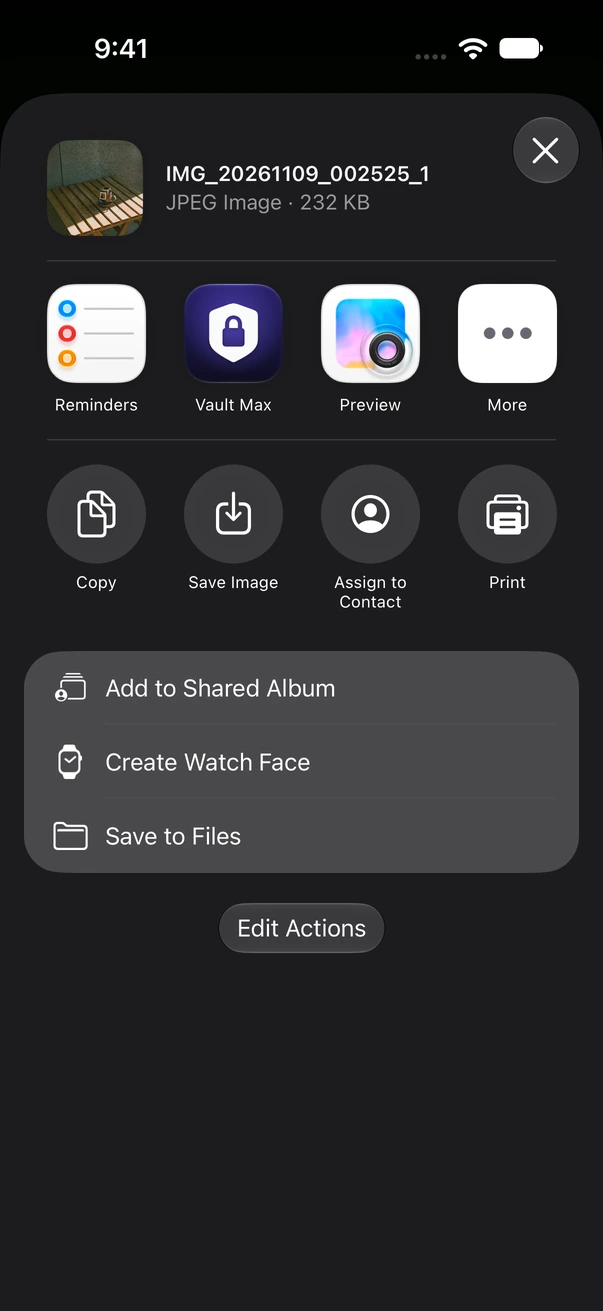
An original, a Photos export, a screenshot and a copy downloaded from a chat can contain different information. Inspecting one does not establish what the others contain. Keep the source, make the outgoing copy through your intended workflow, then inspect that copy separately.
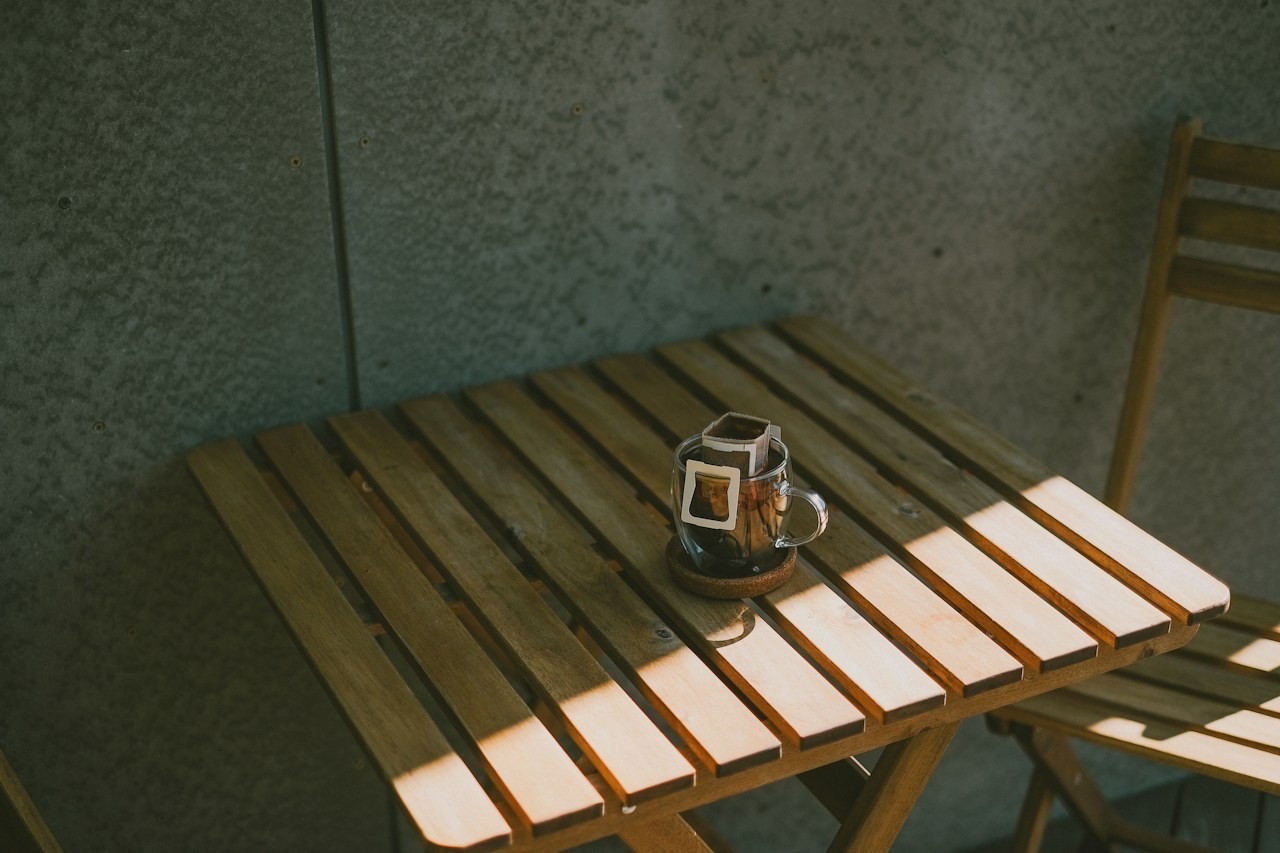
A picture can reveal a street sign, a reflection, a document or a familiar room without a single location tag. Metadata inspection complements looking at the image; it cannot replace that judgment.
Metadata inspection and private storage
A vault controls access to the copy held inside it. A recipient gets a separate copy, subject to the choices made when it was exported and shared. Locking your library does not recall that copy, remove its metadata or undo a message.
Our companion guides explain sharing a private photo deliberately, checking an outgoing filename and keeping screenshots separate. They live on the existing Vault Max app site.
Read the limits before sharing
There is no account to create here and no score pretending to measure whether your photo is safe. Start with what can be observed, keep the unknowns, and decide what to share. Read our method or how this tool handles your file.