
Photos originals and private copies
Keep the vault copy. Check before deleting the Photos copy.
A successful vault import can give you a separate copy of a photo. Before removing the Photos original, open the vault copy, check an export and make a recovery copy. iCloud Photos deletion can affect your other devices too.
Free may be all you need.
Optional U.S. Lifetime $19.99 once.
No monthly or annual renewal.
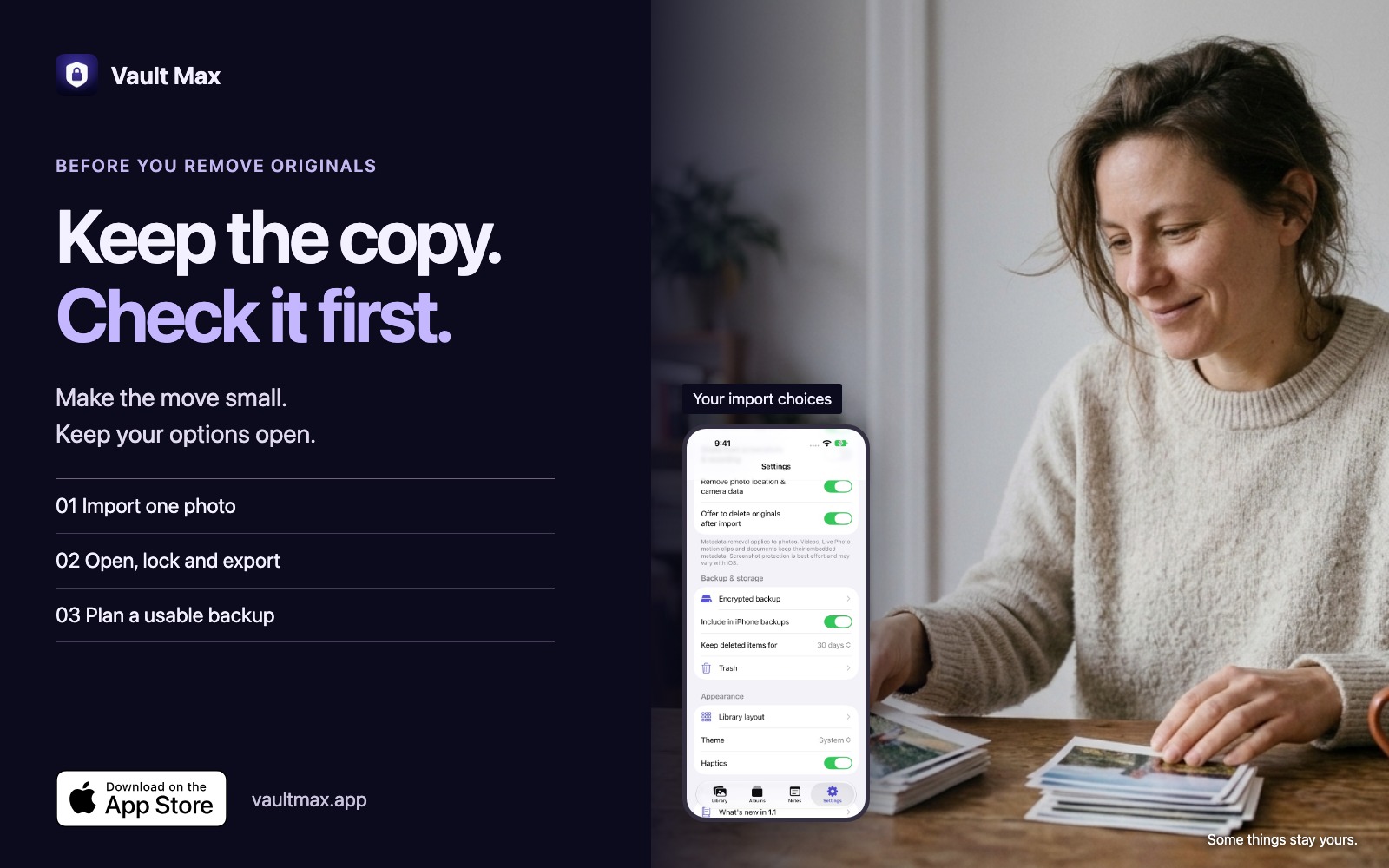
A vault import and a Photos deletion are separate actions.
Yes, you can keep an imported photo in Vault Max while removing its source from Photos. The condition is that the import has actually finished and the vault file opens correctly. A thumbnail on its own is not a complete check. Start with a harmless sample and keep its original while you learn the workflow.
Apple’s Hidden album answers a different question. It keeps an item in Photos while hiding it from ordinary browsing. Deleting an item removes it from that Photos library. A vault import creates a separately managed collection. The Hidden album comparison can help if you only need the first behavior.
Free may be all you need. Vault Max includes 50 counted photos, videos and documents per vault, one extra vault and every security feature. Optional Lifetime Unlock is $19.99 once in the U.S., with no monthly or annual renewal. It expands capacity within available device storage and allows up to eight total vaults per device. It does not include hosted storage. U.S. offer checked November 14, 2026; your local purchase sheet controls the price.
Import a small test and keep its original.
In Vault Max, unlock your collection, open Add to vault and use the system Photos picker. Select one ordinary photo and confirm. When the app offers to remove the originals, choose Keep them for the test. You can make a decision about the source after the checks below.
See it in the app
Choose a photo. Keep the original.
- In the Photos picker, select one ordinary photo and confirm.
- When Vault Max asks about the original, choose Keep them.
- Find and open the new copy in the library.
The recording begins in the Photos picker and ends with the imported photo open. A pause at the original-photo prompt is shortened. The original stays in Photos.
Download this recordingThis real Simulator recording shows a small import, keeping the original and opening the imported photo. It is deliberately a keep-original example. It does not show deletion from iCloud or prove what happened on another device.
The original-removal prompt is controlled by Offer to delete originals after import in Settings. Its presence is a choice, not evidence that a file has a backup. If a picker, download or import reports an error, retain the source and resolve that error first.
Check the file you would be relying on.
- Open it: view the imported photo at full size and zoom into a detail you recognize.
- Check motion: play a video, seek and check expected sound. For Live Photos, check any motion component you need separately.
- Reopen it: lock the vault, unlock and find the same file again.
- Export a copy: save an ordinary test file outside the vault and open it there. Check the format, visible quality and any metadata you need.
- Prepare recovery: create a separate encrypted backup and validate recovery on a suitable separate installation before relying on it for irreplaceable material.
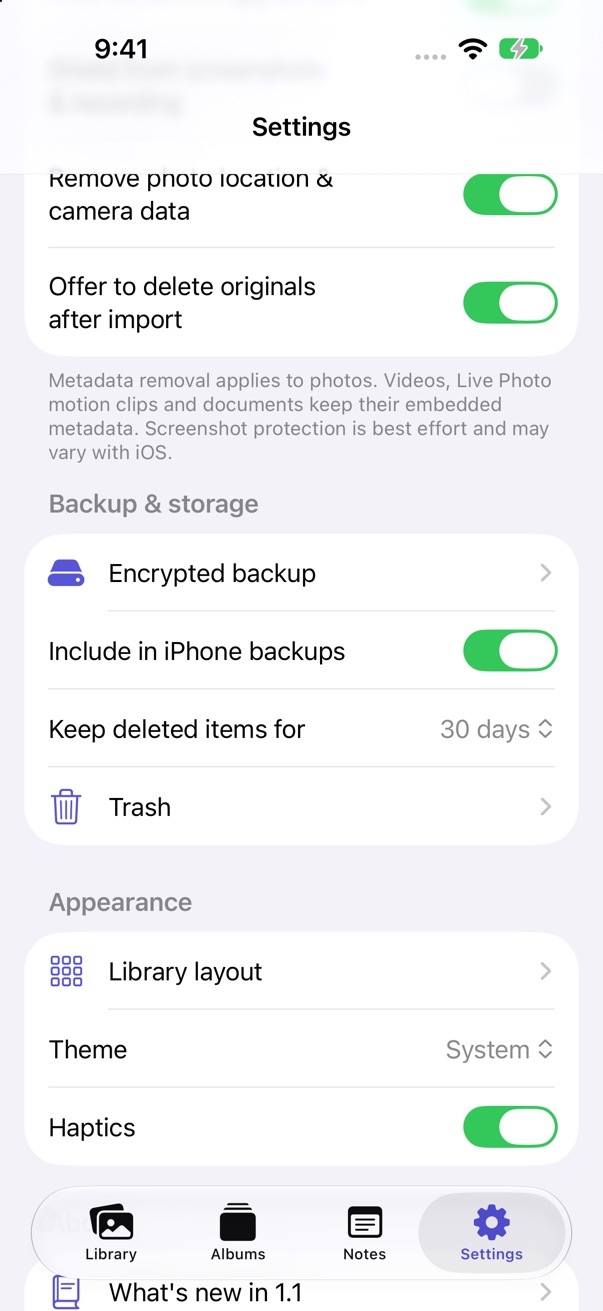
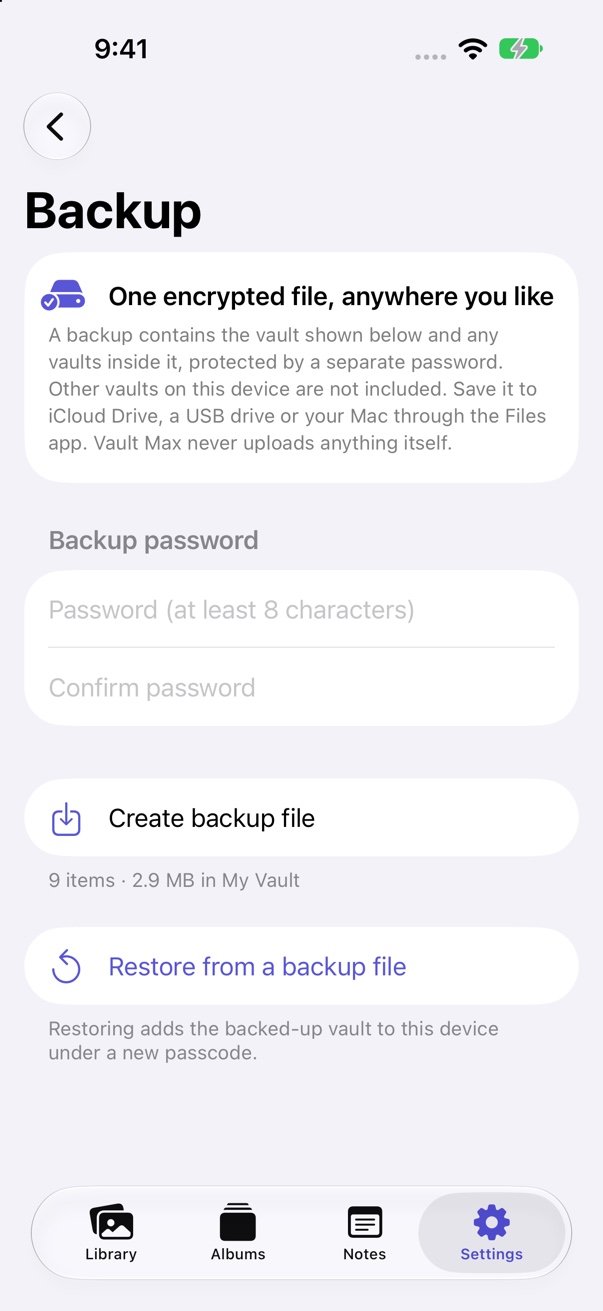
Vault Max can remove photo location and camera metadata on export according to its settings. Videos, Live Photo motion clips and documents keep their embedded metadata. If dates or location matter to you, inspect the actual outgoing file. An encrypted backup and an ordinary photo export have different purposes.
Learn the routine while the original is safe.
Try one free import, lock and export before changing your main photo collection.
Get Vault Max freeDeleting from iCloud Photos reaches other devices.
Apple says that deleting a photo on one device deletes it everywhere you use iCloud Photos. Recently Deleted normally keeps it recoverable for 30 days; after that it is permanently deleted. Read Apple’s deletion and iCloud Photos guidance. A synced library should not be treated as a second independent copy of an item you are about to delete.
After you have checked the vault file and your recovery route, decide deliberately whether to remove the source. You can review a few known items in Photos yourself rather than deleting an entire library at once. Confirm that you are working on the source you intended and understand its sync settings.
This guide does not require emptying Recently Deleted. That extra step shortens a recovery path and should be a separate decision. Removing a Photos original also does not retract copies already sent in a message, shared album or exported folder.
A local vault copy is separate from the Photos item. A Vault Max archive you save into iCloud Drive is another separate file, managed by Files and that storage provider. These three locations should not be confused: Photos library, app vault and backup archive.
Private storage still uses your iPhone’s space.
Moving a collection into a local vault is a privacy and organization choice. It does not make the photos stop occupying storage. Keeping both source and imported copy can temporarily use more space. If Photos has Optimize Storage enabled, downloading and importing an original can increase local use even more.
Lifetime removes the app’s counted-item limit within available device storage. It is not extra physical capacity or a cloud plan. Check free space before a large import and leave room for temporary files and the backup process.
Keep your unlock code and separate archive password accessible to you. Make a fresh backup after meaningful new imports. For a phone change, follow the new-iPhone backup and restore checklist before trading in or erasing the old device.
Quick answers.
Will deleting the Photos copy also delete my Vault Max import?
The vault import is separately stored. Check that it completed, opens after locking and can export before relying on that separation. This guide does not claim an iCloud deletion or cross-device test.
Can I recover photos by restoring my purchase?
Restore Purchases restores eligible paid access. It does not download your vault files. File recovery needs a usable archive or another usable copy.
Should I clear Recently Deleted right away?
There is no need to make permanent deletion part of your first test. Keep your recovery options while you verify the imported files and backup.
Some things stay yours.
Move one photo. Keep your options.
Vault Max is free to try. Get comfortable with importing, reopening and exporting before you remove any originals.
Get Vault Max freeiPhone and iPad · iOS 26 or later