Private photos, without a cloud account
Your collection. On your phone.
Keep selected photos and files in a local, encrypted vault. No Vault Max sign-up. No automatic upload to a Vault Max cloud. A backup destination you choose.

Free to start. Optional subscription or Lifetime Unlock.
See the local-storage routine
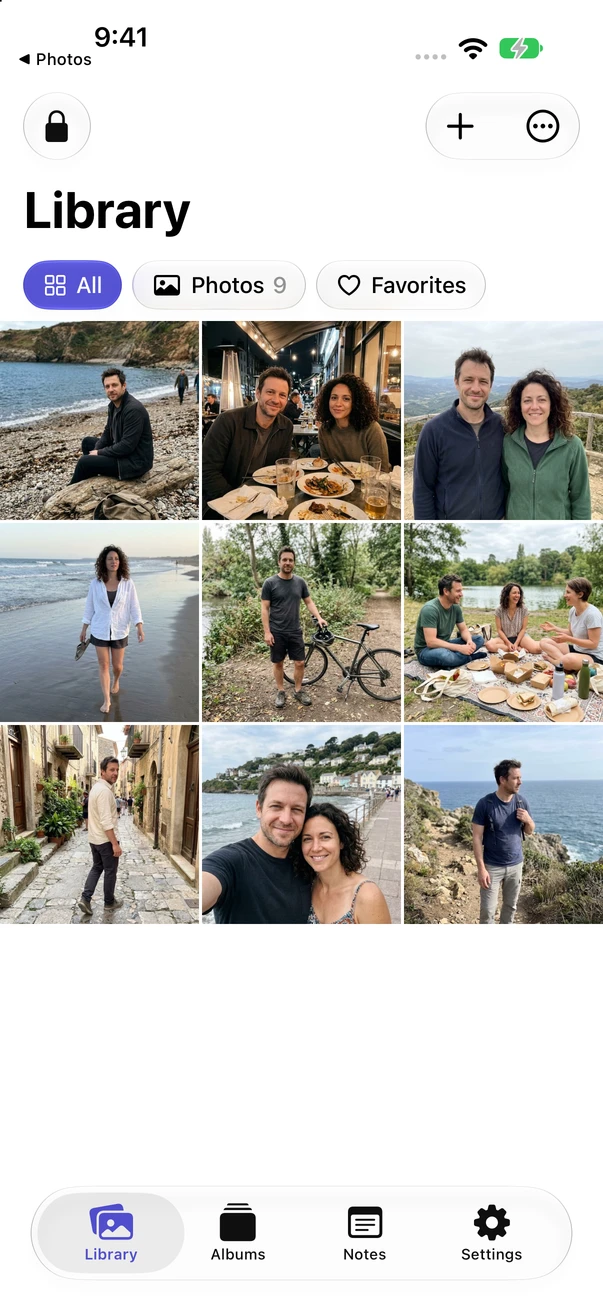
Local encrypted storage
No account to create
Works offline for local files
Your choice of backup
Vault Max 1.1 is available on the App Store.
Offline starts with the right copy
Available when your connection isn’t.
Once a supported file is fully imported, you can open the local vault copy without fetching it from a Vault Max server. App Store purchases and outside cloud providers are separate network activities.
Import the complete file
If an original is stored in a cloud service, obtain the complete copy while connected. A thumbnail or a filename alone is not enough.
Check it offline
Put your phone offline, unlock the vault and open the exact photo, video or document you will need. Play or inspect the important parts.
Back up somewhere separate
Save an encrypted Vault Max archive to a destination you can retrieve if the phone is gone. Keep the backup password outside the vault.
Three separate choices
Local doesn’t mean only one copy exists.
A local vault controls its own collection. It doesn’t change how a source photo, shared attachment or old backup is stored elsewhere.
Be specific about which file and destination you mean before changing a setting or deleting a copy.
- The working collection
- Selected photos, videos, notes and documents encrypted inside Vault Max on this device.
- Copies outside the vault
- Items still in Photos, Files, shared albums, message threads or an export folder. Review those separately.
- The recovery copy
- An encrypted backup you intentionally save. A local-only collection needs a recovery plan if the phone is lost.
Check an outgoing photo, too.
Storage privacy and sharing privacy answer different questions. Use our browser-local inspector to compare the metadata in a JPEG or PNG copy before sending it.
Open the photo metadata inspectorStart small. Keep control.
The free plan includes up to 50 photos, videos and documents per vault, plus one extra vault, with every security feature. For a larger collection, choose a subscription or the one-time Lifetime Unlock. All paid plans offer the same capacity benefits. Check the current price in your App Store.
If a subscription ends, existing items remain available to open, export, delete and back up. A purchase restores access to paid features; your private files need their own backup.
Your code and backup matter
There is no Vault Max account or reset link. Keep your unlock code safe. Create a password-protected backup and keep its separate password somewhere you can recover. A lost phone or forgotten code without a usable backup can mean losing the collection.
Before you decide
A few things worth knowing.
Does offline mean the app never uses the internet?
Local vault access does not depend on a Vault Max server. App Store purchases require Apple services. Retrieving an original or saving an archive through a cloud provider can need a connection. Version 1.1’s optional Weather also requests Apple data.
Is this the same as turning off iCloud Photos?
No. Vault Max holds its imported collection separately. Changing iCloud Photos affects Apple Photos, not every copy of a file on your phone.
What happens if I lose the phone?
A local collection does not recover itself. Keep an encrypted backup somewhere accessible from another device, keep its password safe, and verify your recovery route before deleting the old collection.
Where do I put a backup if I don’t want cloud storage?
Choose a suitable location offered through Files, such as an external drive or a copy transferred to your computer. Check that you can locate and read the archive later. A backup stored only on the same phone does not address losing that phone.
Your next private collection
Make one local collection useful.
Try a harmless file, check it offline and choose where your independent backup will live.
Free download · iPhone and iPad · iOS 26 or later